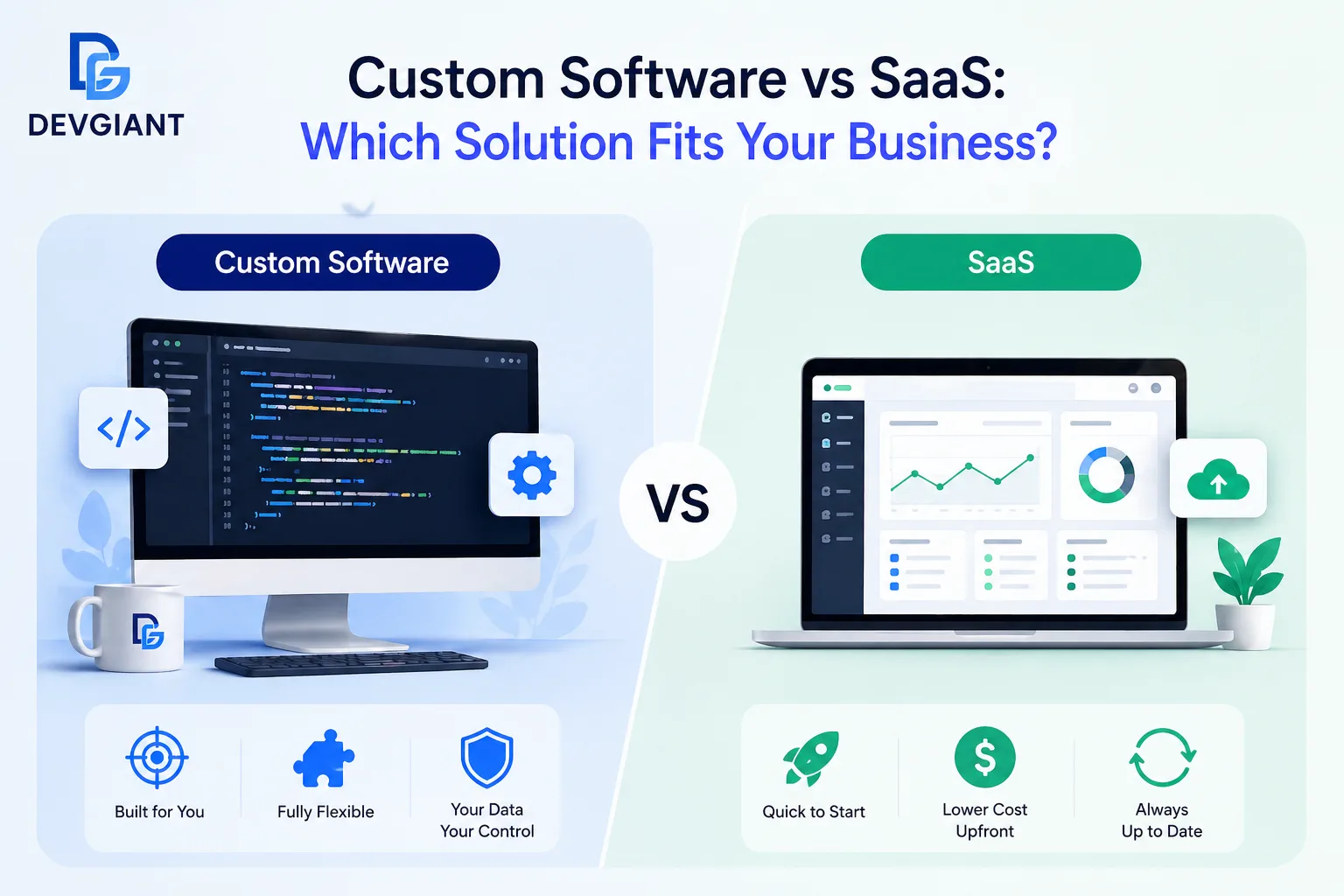
Choosing the right technology platform can make or break a growing company. Founders and SME leaders constantly wrestle with the classic dilemma: build a tailor‑made solution or subscribe to a ready‑made SaaS product. This guide breaks down the strategic, financial, and operational factors that separate custom software from SaaS, helping you decide which path aligns with your vision and resources.
1. Core Definitions – What Exactly Are We Comparing?
Custom Software
Custom software is a bespoke application designed, developed, and maintained exclusively for a single organization. It reflects unique workflows, brand guidelines, and competitive advantages. Because it’s built from scratch, you own the source code, data model, and deployment environment.
SaaS (Software‑as‑a‑Service)
SaaS delivers functionality over the internet on a subscription basis. The vendor hosts, updates, and secures the application. Users access it via a web browser or thin client, paying recurring fees that typically include support and upgrades.
2. Build vs Buy – The Decision Matrix
Before you lean toward either side, map your requirements against a simple matrix. Ask yourself:
- Is the problem domain highly specialized?
- Do you need rapid time‑to‑market?
- What is your budget for upfront development versus ongoing subscription?
- How critical is data sovereignty and compliance?
- Can the solution scale with your projected growth?
Answering these questions creates a clear picture of whether a custom build or a SaaS subscription will deliver the highest ROI.
3. When Custom Software Wins
3.1 Unique Business Logic
Industries such as advanced manufacturing, fintech, or niche B2B marketplaces often have processes that off‑the‑shelf tools cannot replicate without costly workarounds. A custom solution can embed proprietary algorithms, complex rule engines, or integration pipelines that give you a sustainable competitive edge.
3.2 Full Control Over Data and Security
If you operate under strict regulatory regimes (HIPAA, GDPR, PCI‑DSS), owning the infrastructure lets you implement granular security controls, audit trails, and data residency policies that SaaS vendors may not guarantee.
3.3 Long‑Term Cost Predictability
While the initial outlay is higher, custom software eliminates perpetual subscription fees. Over a 5‑year horizon, the total cost of ownership can be lower, especially when you factor in per‑user or per‑transaction SaaS pricing that scales with growth.
4. When SaaS Is the Smarter Choice
4.1 Speed to Value
Deploying a SaaS product often takes days, not months. For sales teams needing a CRM, marketing teams looking for email automation, or HR departments requiring payroll processing, the speed advantage translates directly into revenue or cost savings.
4.2 Predictable Monthly Expenses
Subscription pricing converts large capital expenditures into manageable operational costs. This model aligns well with cash‑flow‑sensitive startups that prefer OPEX over CAPEX.
4.3 Automatic Updates and Innovation
Vendors continuously roll out new features, security patches, and performance improvements. You benefit from the latest technology without allocating internal resources to upgrade cycles.
5. Cost, Time, and Maintenance – A Side‑by‑Side Comparison
| Factor | Custom Software | SaaS |
|---|---|---|
| Initial Investment | High (development, design, testing) | Low (setup & onboarding) |
| Time to Launch | 3‑12 months (varies) | Days‑weeks |
| Ongoing Maintenance | In‑house or outsourced dev team | Vendor‑managed |
| Scalability | Engineered for your load, but requires planning | Elastic cloud infrastructure |
| Customization | Unlimited (within budget) | Configurable, not fully customizable |
6. Scalability, Integration, and Security Considerations
6.1 Integration Landscape
Custom solutions can be built to speak directly to legacy ERP, IoT devices, or proprietary APIs. SaaS platforms often provide pre‑built connectors, but complex integrations may require middleware or custom code, adding hidden costs.
6.2 Security Posture
Both models can be secure, but the responsibility differs. With SaaS, the vendor handles patch management and infrastructure hardening, while you focus on access controls and data classification. With custom software, you own the entire security stack, which demands skilled personnel and rigorous processes.
6.3 Scaling for Growth
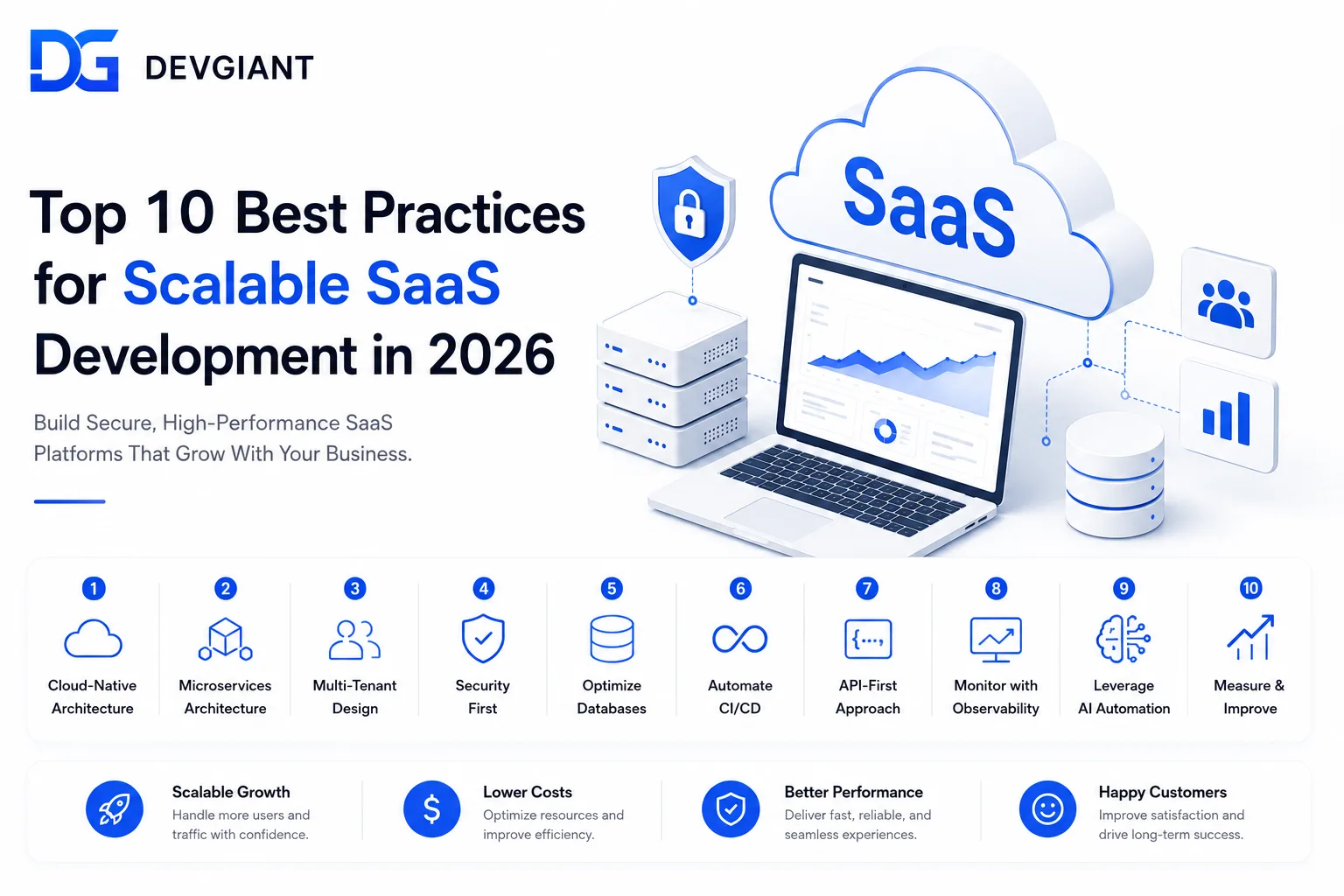
Modern SaaS providers leverage multi‑tenant architectures that automatically allocate resources based on usage spikes. Custom applications need explicit scaling strategies—horizontal scaling, load balancers, and possibly a shift to micro‑services as usage grows.
7. Decision Framework – A Practical Checklist
Use this checklist to move from analysis to decision:
- Business Criticality: Is the application core to your value proposition? If yes, custom may be justified.
- Budget Horizon: Do you have capital for upfront development? If cash flow is tight, SaaS reduces risk.
- Time Sensitivity: Must the solution be live in weeks? SaaS wins.
- Regulatory Requirements: Do you need on‑premise hosting or specific compliance? Custom gives you control.
- Future Flexibility: Anticipate major feature changes? Custom offers unlimited flexibility; SaaS may need workarounds.
If the majority of items point to one side, you have a clear direction. When the checklist is split, consider a hybrid approach: core functions custom‑built, peripheral tools SaaS.
8. Real‑World Examples
8.1 Startup A – A Marketplace for Artisans
Marketplace A needed a unique commission algorithm, multi‑currency escrow, and custom logistics integration. Off‑the‑shelf e‑commerce SaaS could not accommodate these nuances without expensive plugins. They invested in a custom platform, which now serves 15,000 sellers and retains 30% higher gross margin.
8.2 Startup B – Remote Team Collaboration
Team B required a quick solution for video calls, chat, and file sharing. They adopted a leading SaaS suite, achieving full deployment in two weeks and saving $120k in development costs. As the team grew, the SaaS provider scaled seamlessly.
9. How to Get Started
Regardless of the path you choose, a disciplined process reduces risk:
- Define Success Metrics: user adoption, cost savings, time to market.
- Prototype Early: low‑fidelity mockups for custom builds or trial accounts for SaaS.
- Validate with Real Users: gather feedback before committing to full development or long‑term contracts.
- Plan for Evolution: build modular architecture or choose a SaaS with a robust API ecosystem.
Ready to explore a custom solution that aligns perfectly with your strategy? Explore our services and see how we turn complex requirements into scalable products. If you prefer a faster, subscription‑based route, we can also help you evaluate the best SaaS options for your niche. Contact us today to schedule a free consultation.